

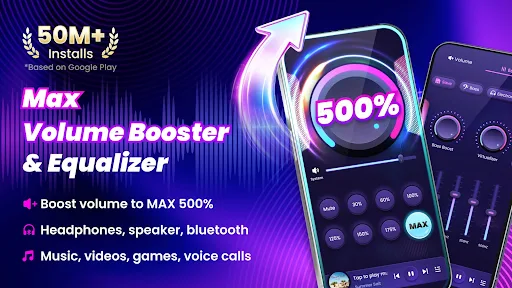
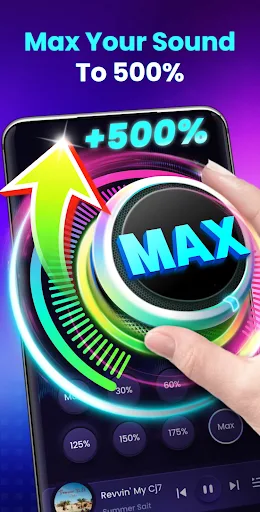
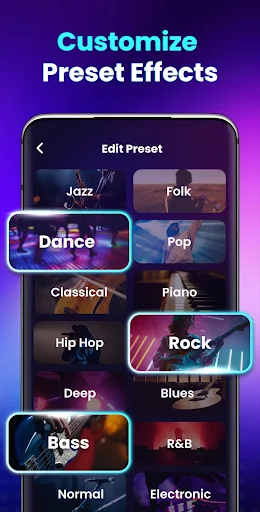
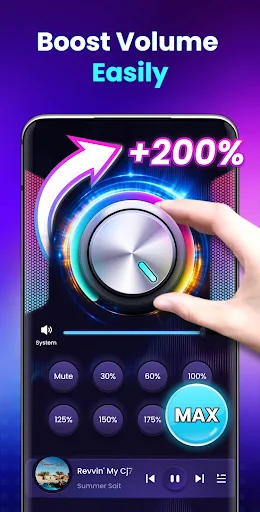
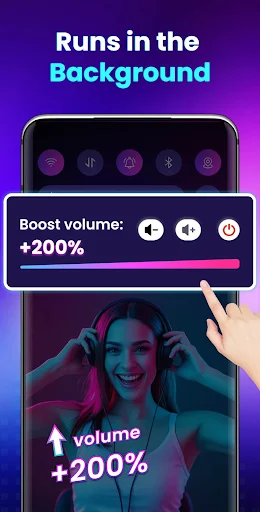

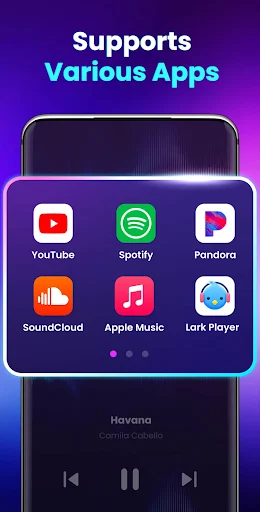

Volume Booster – Sound Booster is an app designed to amplify your device’s audio output, allowing users to increase sound levels beyond the standard system maximum. It specifically targets various audio types, including music, videos, audiobooks, alarms, and ringtones, with the capability to boost volume up to 200%. This functionality extends to external speakers, headphones, and Bluetooth-connected devices, aiming to provide a louder listening experience across different media and alert types.
Audio Amplification and Enhancement
The app’s primary function is to serve as an extra sound amplifier, boosting both system volumes like alarms and ringtones, and media volumes for videos, music, games, and audiobooks. It claims to achieve this amplification without compromising sound quality. Beyond simple volume increase, it features a stereo surround sound effect and a music spectrum visualizer that changes with the melody. The app supports operation in the background or when the screen is locked, ensuring continuous audio enhancement during use.
Volume Control and User Interface
Volume Booster offers several methods for controlling audio levels. Users can adjust the volume to specific, predefined levels with a single touch, utilizing eight distinct sound modes. For quick adjustments, the app provides home screen widgets and notification bar controls, allowing users to enable or disable the booster and modify volume settings without needing to open the app itself. Additionally, it integrates built-in music player controls, which support displaying music cover art, song titles, and artists, alongside standard playback functions like play, pause, and switching tracks. The app does not require root access to function.
Important Considerations
The developers include a disclaimer regarding the use of Volume Booster. They advise that excessive volume may cause damage to eardrums and the device itself. It is recommended to increase volume gradually and to take breaks to rest your ears between uses. By installing the app, users acknowledge these risks and agree to release the developers from responsibility for any potential harm to their device or hearing, indicating that use of the app is at the user’s own risk.







Write a review